More than one subject? Choose who goes in.
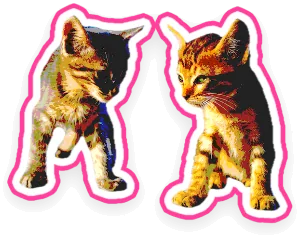
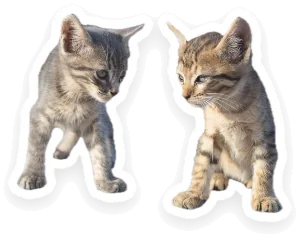
When Stickify finds several subjects in a photo, it cuts each one out separately. Pick one, some or everyone. People standing close together are told apart.
Pick a photo or take one. Stickify finds the subject, cuts it out and saves the sticker by itself. Then it’s waiting in your iPhone’s sticker drawer, ready for Messages, WhatsApp and other apps that support stickers.
 Coming soon to the App Store
For iPhone, iOS 17 or later
Coming soon to the App Store
For iPhone, iOS 17 or later

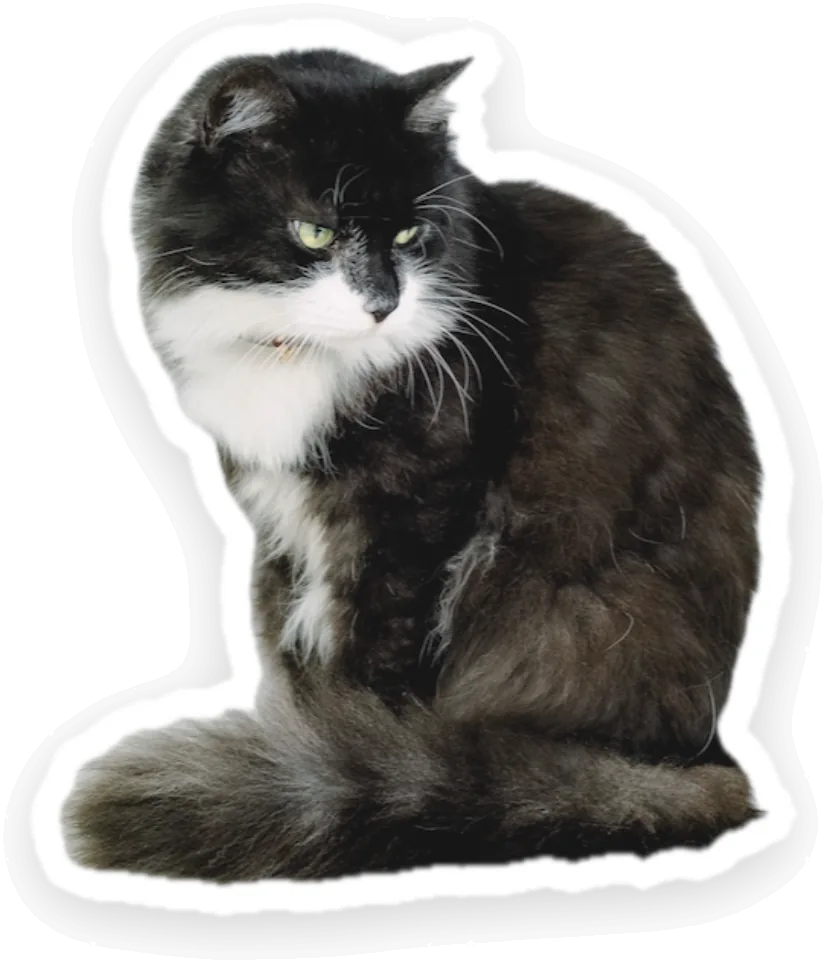
No tracing, no long-press, no setup. The cut-out happens the moment a photo arrives.

Tap Photos to choose one or several, or Camera to take a new one. You can also share photos to Stickify from another app.

It finds the subject, lifts it out on your iPhone and saves the first sticker in your chosen style. Copy it, share it, save it to Photos or touch it up.
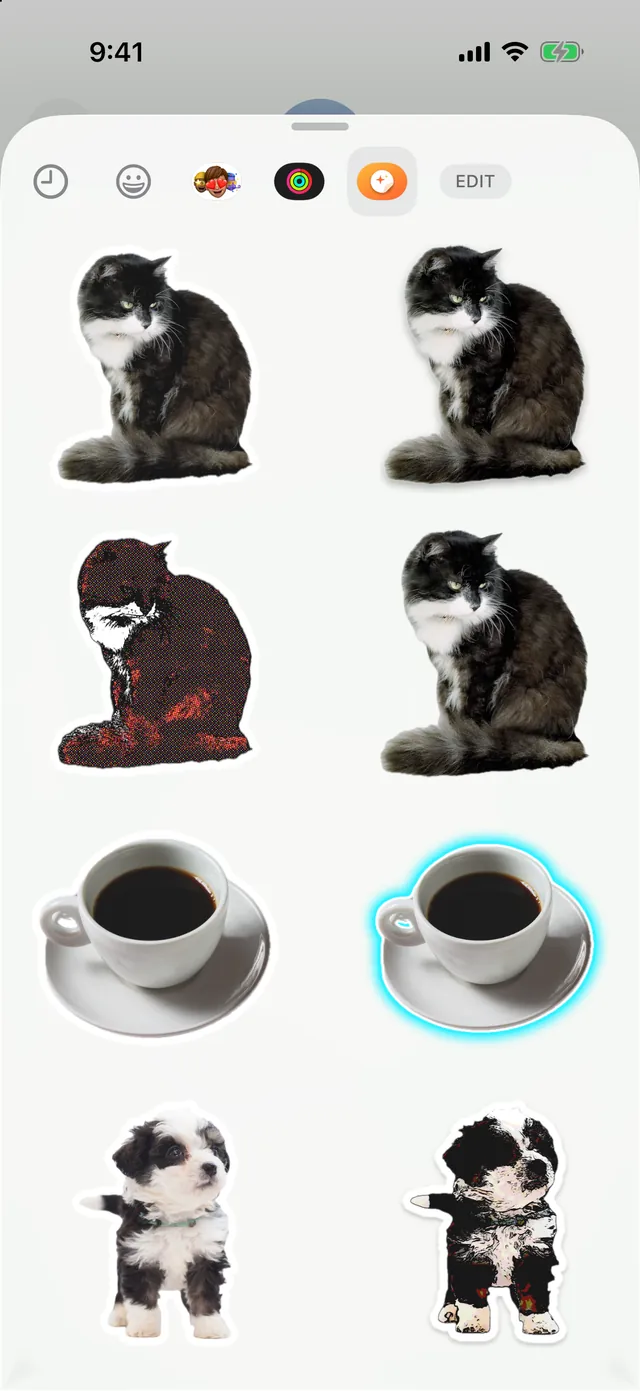
In any chat, tap the emoji key, then the stickers button, then Stickify. New stickers show up there straight away, no update needed.
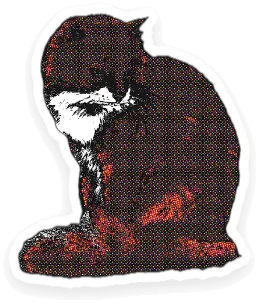
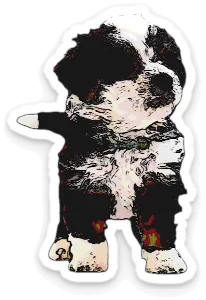
Every effect you save becomes its own sticker, so one good photo can turn into a set. These are real stickers from the screenshots on this page.



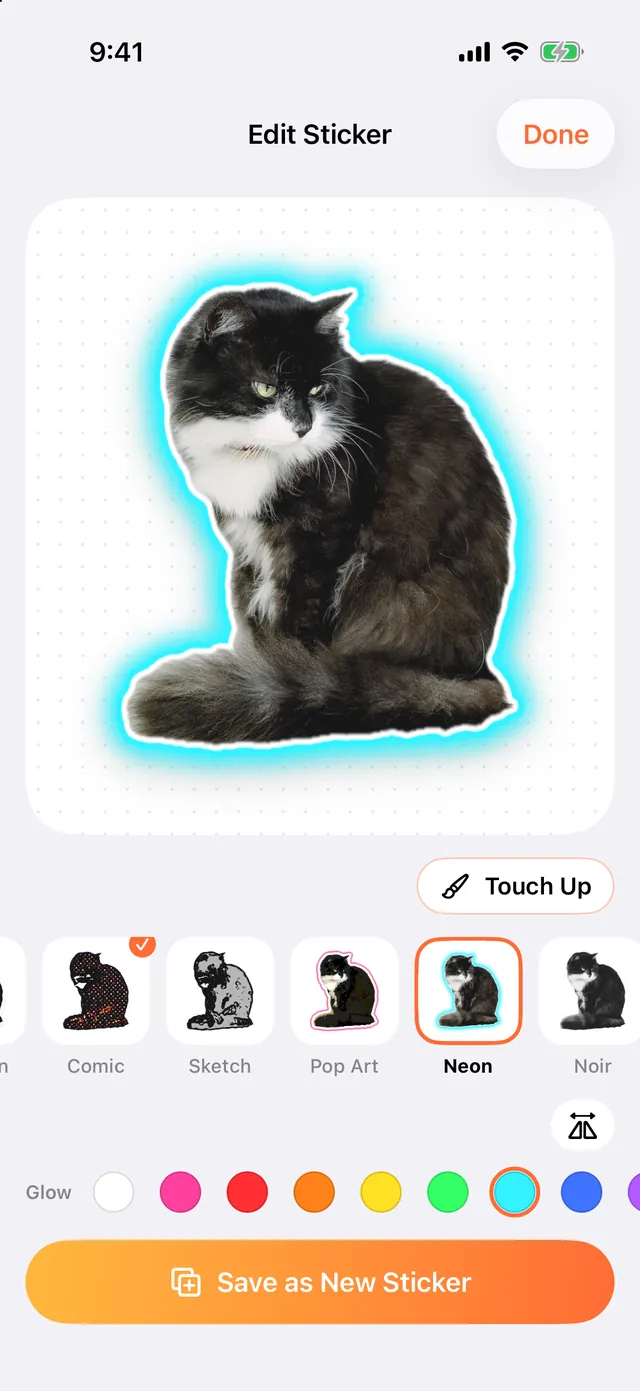
Original, Outline and Shadow are free. Pro adds Cartoon, Comic, Sketch, Pop Art, Neon, Noir, Vintage and Puffy, plus any border color and any glow color for Neon.
Choose Whole, Upper Body or Close-Up, and Stickify zooms in on the face so it stays clear at sticker size. Mirror any sticker, and use the brush to erase stray bits or restore a missed hand or hat.
When Stickify finds several subjects in a photo, it cuts each one out separately. Pick one, some or everyone. People standing close together are told apart.


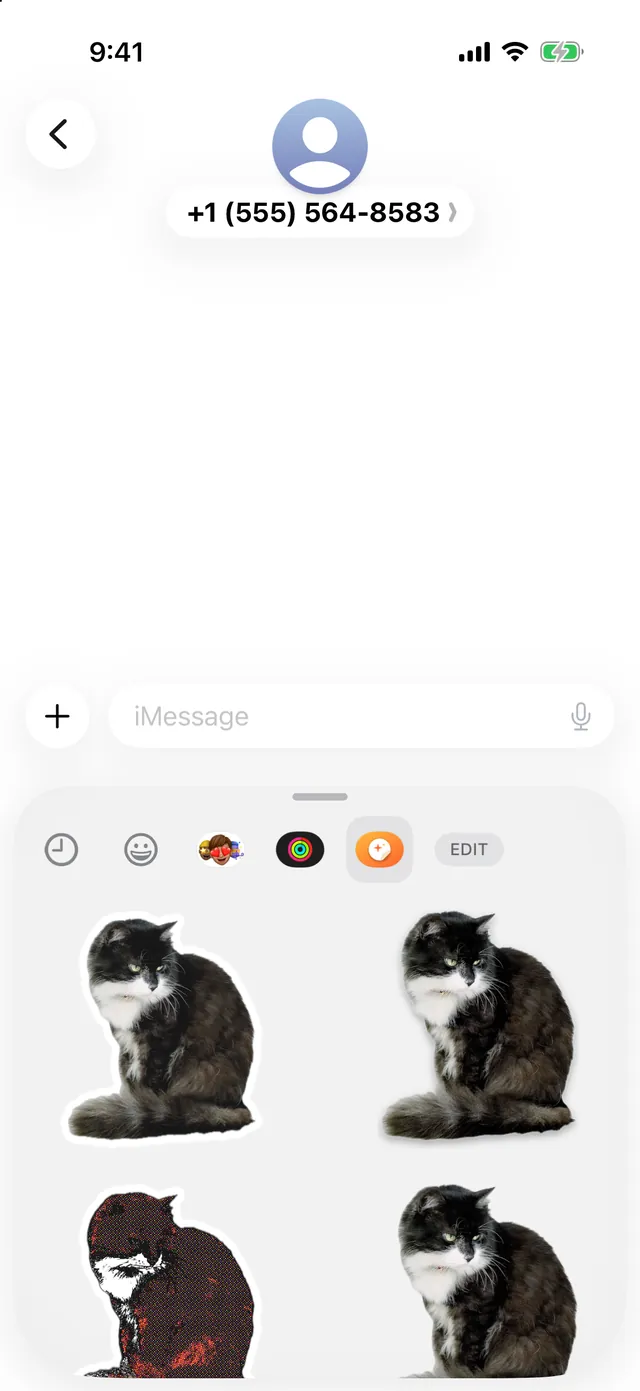
Stickify puts your stickers in the iPhone’s own sticker drawer, so they work from the emoji keyboard in:
In Messages you can also tap + › Stickers. If an app doesn’t show the drawer, open the sticker in Stickify, tap Copy and paste it into the chat.
| Feature | Free | Pro |
|---|---|---|
| Saved stickers | 10Each effect you save counts as one | Unlimited |
| Effects | Original, Outline, Shadow | All 11 |
| Photos per import | Up to 10 at a timeand no more than your free stickers left | Unlimited |
| Border and glow colors | Default colors | Any color |
| Cut-out, Touch Up, framing, mirror | Included | Included |
| Sticker drawer | Included | Included |
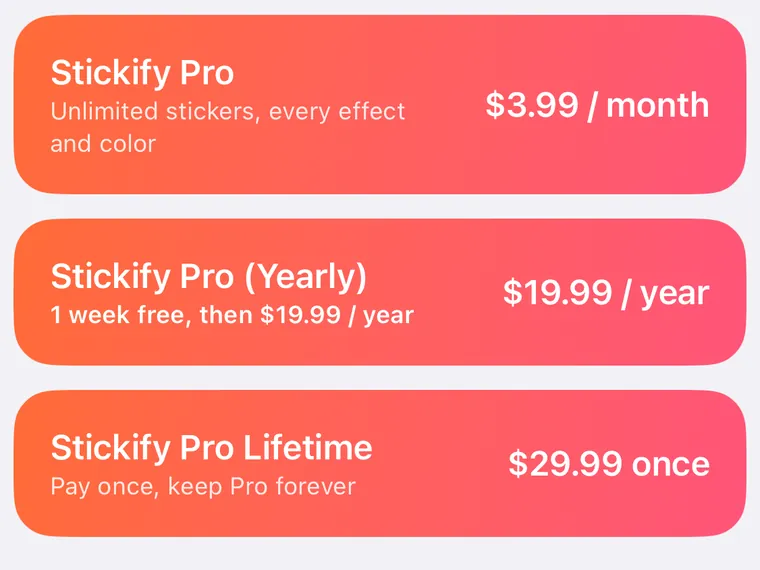
Prices in US dollars, from the app’s paywall. They vary by country or region, and the app shows yours before you pay. Subscriptions renew automatically until you cancel; see the Terms of use.
Stickify has no accounts, analytics, ads or tracking. Your photos and stickers stay in Stickify’s storage on your phone, and leave it only when you send, share or save one yourself. Read the Privacy policy.
Text on stickers, for Pro: write something like “HAHAHA” or “Thank you po” on a sticker. It’s built and coming in a future update; it isn’t in the current version.